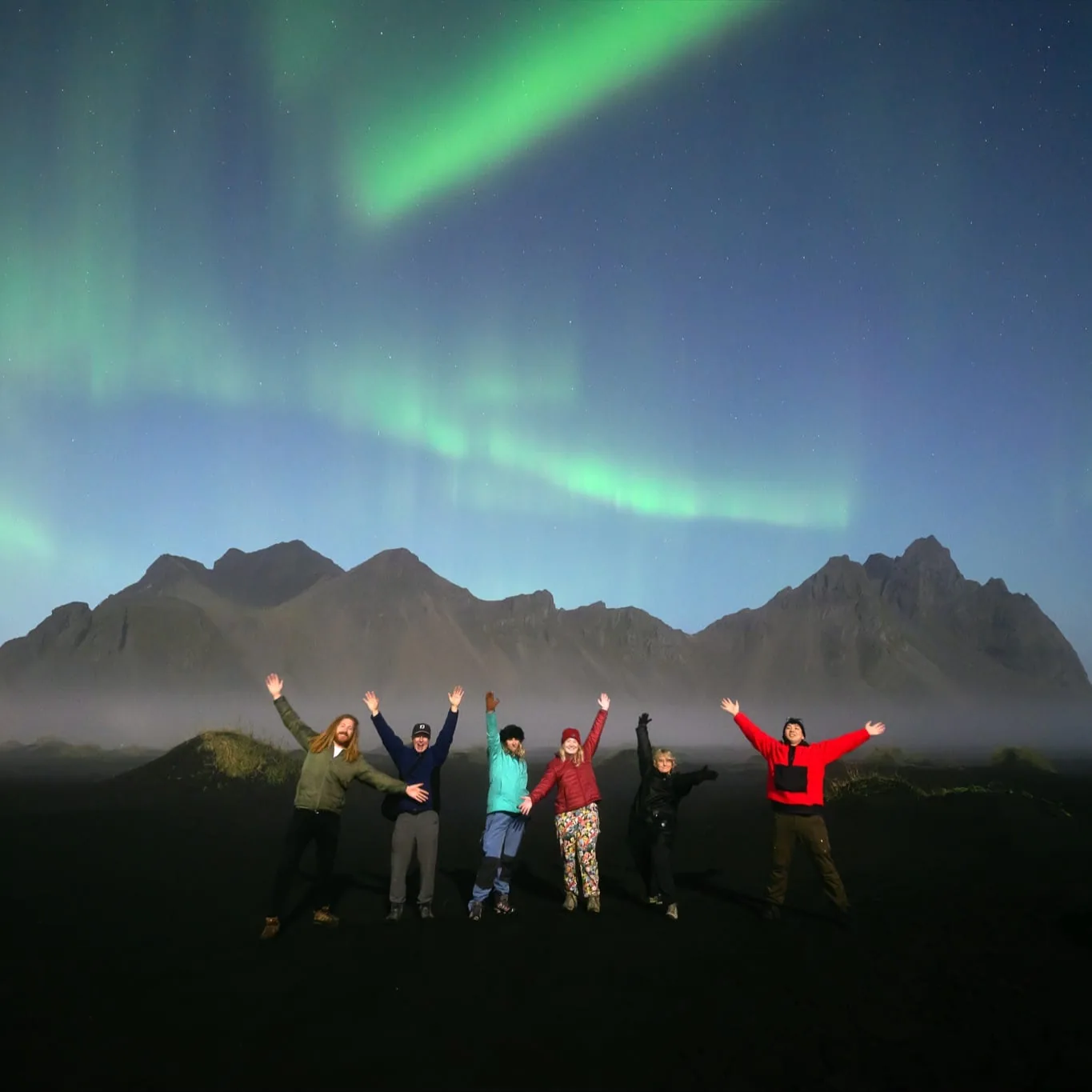
In-Person Masterclass · Warrnambool, VIC
Video & Content Creator Masterclass
Shoot, edit & grow
Three days to finally master the video side of your camera, edit reels that hook in seconds, and create content people actually want to watch.
Shoot, edit & grow
Three days to finally master the video side of your camera, edit reels that hook in seconds, and create content people actually want to watch.
Brands, tourism boards, weddings and every social platform are prioritising video and short-form content more than ever. But for most people, the video side of the camera still feels overwhelming.
Blank-page paralysis every time you pick up the camera, and no system for coming up with ideas.
Messy timelines, too many clips and overcomplicated software, so hours disappear on a single reel.
Great footage that somehow doesn't connect, plus frame rates, profiles and export settings that feel like a film degree.
That is exactly why I built this masterclass: no fluff, no jargon, just real-world systems and workflows that actually work in 2026.
You don't need Instagram, and you don't need to be a filmmaker. The shooting, editing and storytelling skills apply to travel videos, YouTube, drone work, weddings, business content, documentaries and everyday adventures.
Whether you shoot on Nikon, Sony, Canon, DJI, Fujifilm, GoPro, Insta360 or even your phone, this is built to help you create better video with the gear you already own.
So you leave with finished content, real skills and a clear plan, instead of another folder of clips you never touch.
No experience required. Come with curiosity and leave with real, repeatable skills.
A personal group so you get hands-on guidance and feedback at every step.
Stay on site, stay focused and make the most of three full days together.
From the first frame you shoot to the post that goes live, and how to make it perform.
Master the video side of your camera and film footage that feels cinematic on any device, then head out for a real-world shoot together.
Video settings simplified · frame rates & slow motion · shutter speed for video · cinematic handheld · vertical-first filming · movement & storytelling · audio basics · lens choices · drone & action-cam workflows · POV storytelling · content batching so you never run out of ideas.
Turn footage into polished video with fast, realistic workflows, then edit your own reel with live guidance and feedback.
DaVinci Resolve on desktop: import & organise, timelines, pacing, colour grading, transitions, sound design, exporting for each platform. CapCut on desktop & mobile: fast edits, captions, speed ramping, music syncing, editing for retention, and how to avoid over-editing.
Understand why people stop scrolling, and how creators turn content into income. This is one of the biggest sections of the whole masterclass.
Hooks & the first three seconds · retention psychology · storytelling structure · why reels fail or explode · Instagram in 2026 · building a personal brand · plus monetising through tourism, hotels, retainers, weddings, UGC, brand partnerships and digital products.
For those who want to go deeper. A smaller-group intensive built around real-world content and personalised feedback.
Advanced reel breakdowns · audience retention graphs · advanced hook structures · advanced drone movement · colour grading · brand building · client acquisition, plus personalised reviews of your filming, editing and socials.
You'll build fast, repeatable workflows in DaVinci Resolve and CapCut on both desktop and mobile, plus edit straight for Instagram, so you can create wherever you are.



On Day 3, I break down one of my own reels with over 19 million views: exactly how the hook was structured, what kept people watching, and why the footage itself actually wasn't the most important part. Because attention is the game, and it can be learned.


Not a Hollywood filmmaker, just genuinely confident creating modern videos that connect with people.

Every template and resource we use across the three days is yours to keep, so you can keep creating and growing long after the masterclass ends.
You do not need expensive gear to attend. Bring whatever you currently create content with: a mirrorless camera, a drone, a GoPro or action cam, an Insta360, a laptop or iPad, even just your phone. All major camera brands are welcome.

As a professional photographer based in Australia and proudly supported by Nikon Australia, I've spent more than a decade creating and sharing my work across almost every genre.
Video and short-form content changed everything for my business. Learning to shoot, edit and post with intention is what turned a passion into a brand people follow, and content into real income.
In this masterclass I share the exact process I use, in plain language, with no filmmaking jargon or tech-bro energy. Just the real systems that work. I look forward to teaching you.
A small group, in person in Warrnambool, with accommodation included.
No. Bring whatever you already create with, a mirrorless camera, drone, GoPro, Insta360, or even your phone. All major camera brands are welcome, and a big part of the masterclass is helping you get more out of the gear you already own.
No. Short-form content is a big part of it, but the shooting, storytelling and editing skills apply to YouTube, travel films, drone work, weddings, business and tourism content, documentaries and personal projects. Even without Instagram, this will massively benefit you.
DaVinci Resolve on desktop and CapCut on both desktop and mobile. Both are free, and you'll learn when to use each and how to build a fast, realistic workflow in them.
None at all. It's designed for beginner to intermediate creators, and all ages are welcome. We simplify the process so video creation feels approachable instead of overwhelming.
Yes, accommodation in Warrnambool is included for all options, so you can stay on site and make the most of the full three days.
An advanced Creator Intensive in a smaller group, with deeper reel breakdowns, advanced editing and drone work, brand building, and personalised feedback on your filming, editing and socials. You can add it for $750.